
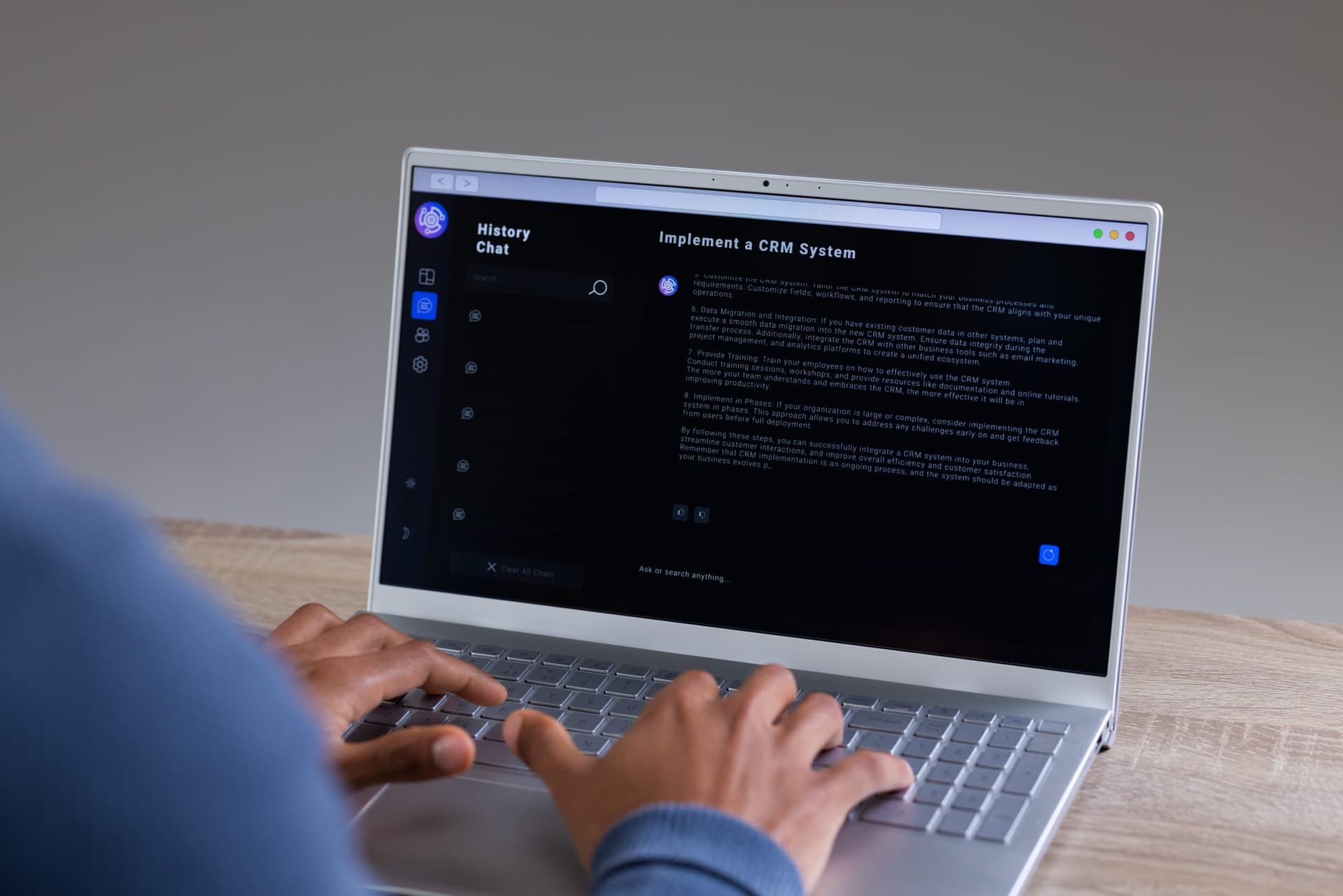
Prompt poaching is the practice of browser extensions capturing conversations between users and AI assistants like ChatGPT, Claude, DeepSeek, and Perplexity, then sending this data to remote servers. Both shady and legitimate extensions do this.
How It Works
These browser extensions designed for prompt poaching request permissions for specific activity like analytics or performance, the same way any normal extension would. While they may do those things, their main objective is to monitor your browser and capture chat content.
Once those conversations are captured, they get packaged and sent to external servers. What makes this hard to catch is that it looks like normal browser traffic.
The Scope of the Issue
In December 2025, it was found that around 900,000 Chrome users were potentially impacted by two malicious extensions posing as a legitimate browser tool. Both extensions were live in the Chrome Web Store and one of them was marked as a Featured extension, adding some credibility to it. Researchers found the same behavior in established extensions with millions of users.
For the casual user, this is a privacy issue. Their conversations with AI assistants get collected without them knowing how that data will be used. For organizations, the risk is much higher. Employees using AI assistants for work may unintentionally expose proprietary code and business strategies through these extensions. The exposure goes beyond what someone types. Those extensions were also collecting the URL of every open tab.
Why This Practice Persists
Some extensions operate maliciously by hiding their data collection practices behind vague permission requests.
Other extensions update their terms of service to disclose that they collect AI conversation data. The disclosure language is usually vague or may be buried in privacy policies that most users never read. Someone installing an extension that promises to enhance their ChatGPT experience is unlikely to review whether the collection of analytics includes their entire conversation.
The permission request itself doesn't help either. An extension asks to read and modify website data, but that one line covers every page you open, including the tab where you're talking to your AI assistant.
Reducing the Risk
For Business
AI assistance is only going to get more common in the workplace, so companies are better off preparing for it rather than pretending it isn't happening.
Extension whitelisting, enforced through browser policy, is the strongest control to employ because it blocks employees from installing unknown extensions. The request has to go through the technical team, which gives them a chance to test an extension before it gets approved. It's also worth choosing security awareness training that covers AI use, so employees know what's acceptable to put in a chat and what isn't.
All Users
Use an incognito or private window when using an AI assistant for work-related tasks. Extensions are turned off in this mode by default, unless you previously set one to allow in incognito. This is worth checking.
As a general use tip, omit anything that can identify you, your company, or the people you work with before it goes into the chat. If that conversation ends up somewhere you didn't intend, a chat history with no names in it is a smaller problem.